Most founders think of Instagram as the place people scroll and Google as the place people search. That line is getting blurry.
In July, Google added something called platform properties to Search Console. You can now connect your Instagram, TikTok, X or YouTube account and see how those posts show up in Google Search, Discover and Google News: clicks, impressions, which posts, and which searches brought people there.
It matters more than it sounds. SE Ranking looked at 100,000 keywords and found social links in 67.66% of Google's AI Overviews. So the answer someone gets about your kind of product might be built partly from your posts.
We set this up for our own accounts. It took about an hour, and every step is below.
Part 1: Connect your accounts (15 min)
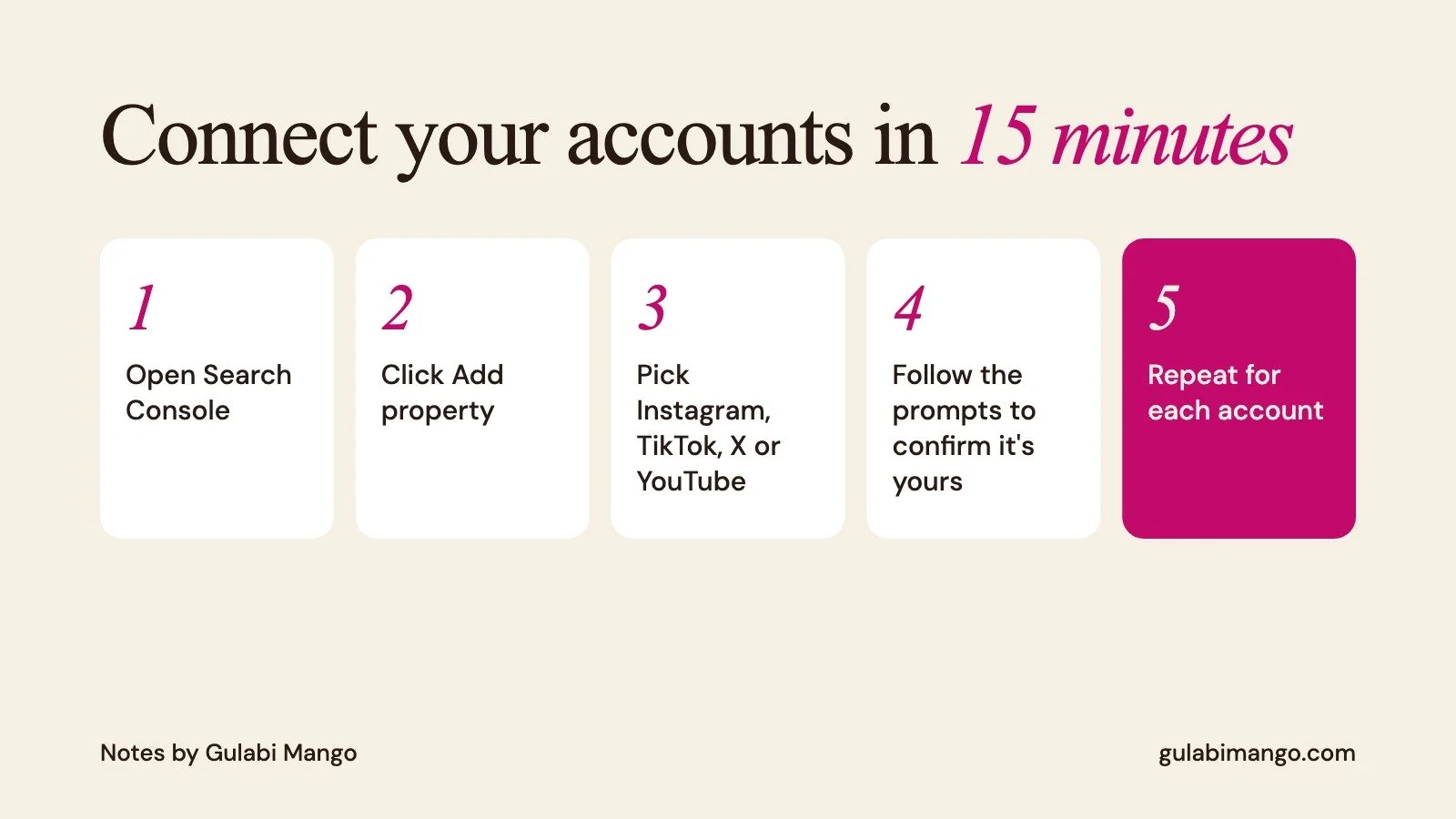
Open Google Search Console. If your website is already there, you're halfway done.
Open the property selector in the sidebar and click Add property.
Click Add next to the platform you want: Instagram, TikTok, X or YouTube.
Follow the prompts to show you own the account. There's no code to add to your website.
Click Go to property. Then repeat for every account you care about, since each one is its own property.
Once it's connected you get three reports:
Performance: clicks, impressions, click rate and average position, which you can filter by post.
Insights: recent trends, your top posts, and how people find you on Google.
Achievements: small milestones, like hitting a clicks goal.
Give it a few days. New properties often show empty charts while Google collects data. Google also re-checks that you own the account now and then, so if a login expires, you'll need to reconnect.
Part 2: Read it like a designer (15 min)
Wait a few days for data, then look at three things:
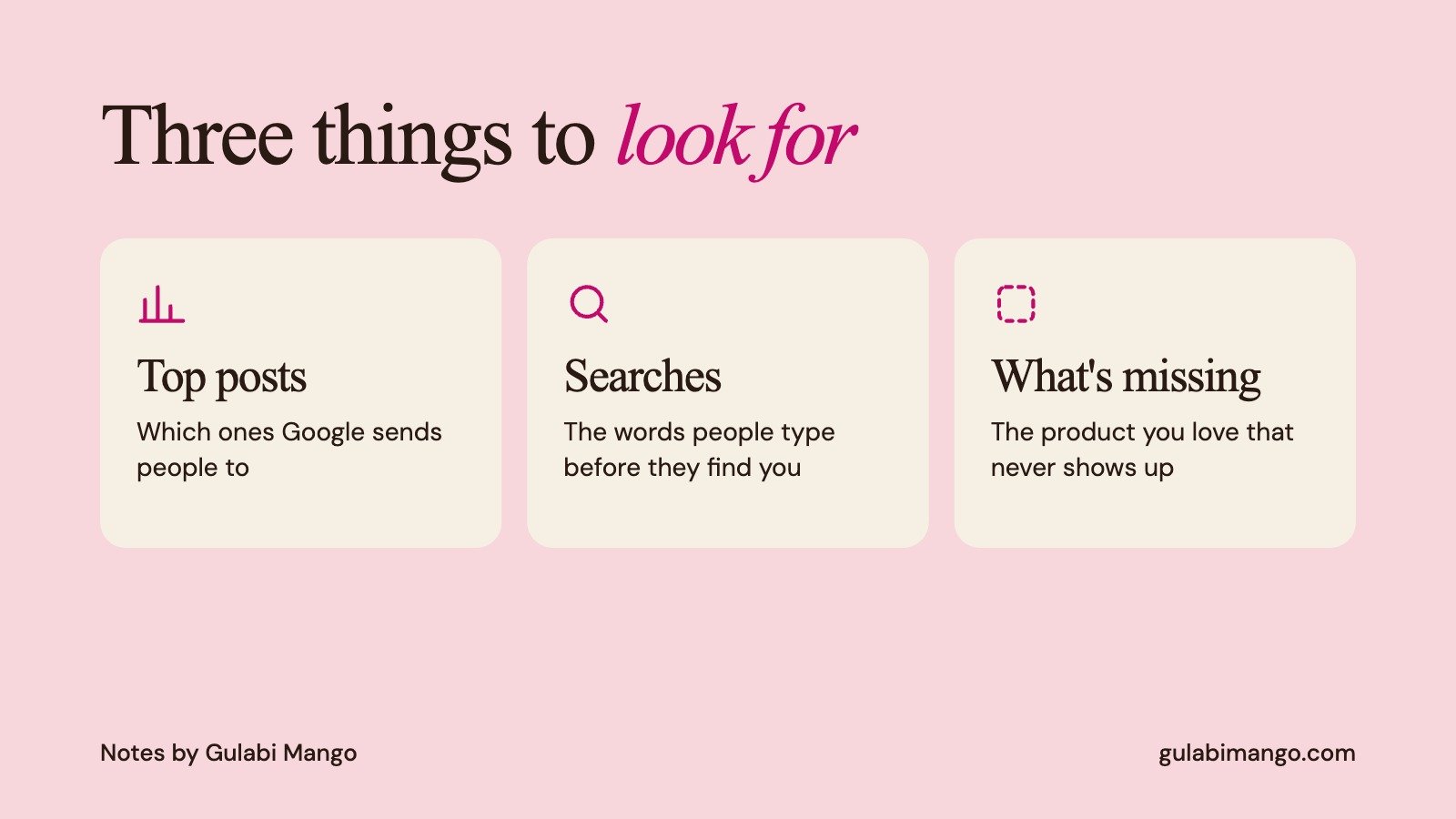
Top posts. Which ones does Google send people to? Usually it's the ones that say clearly what something is.
Searches. What words do people type before they land on your post? Those are the words to use in your bio, captions and website.
What's missing. If your best product never shows up, Google probably can't tell what it is from the post.
Part 3: Make your posts easy for Google and its AI to read (30 min)
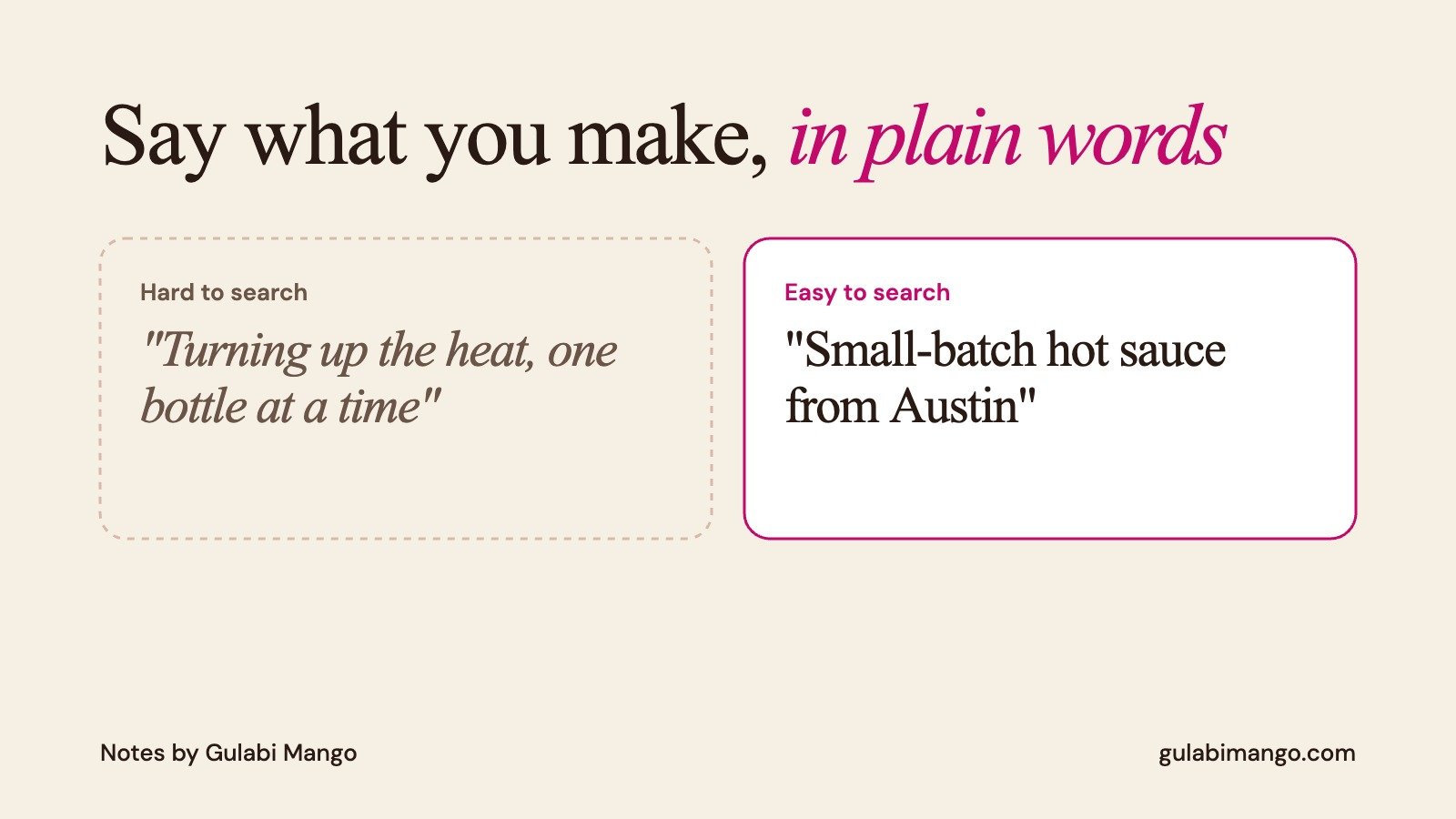
Bio: say what you make and who it's for, in plain words. "Small-batch hot sauce from Austin" beats a clever line nobody would ever search.
Name and handle: the same everywhere, and matching your website.
Captions: make the first line say what's in the post: product name, flavor, color, size. Then be yourself.
Alt text: add it on Instagram. It takes seconds and describes the photo in words.
Pinned posts: pin your clearest product post, your founder story and one customer moment.
Link back: every profile links to your website, and your website links to every profile.
Real photos: AI answers pull images too, so make sure the ones out there look like your actual product.
What AI still can't do for you
A tool can tell you which post got clicks. It can't tell you why someone fell for your brand.
That part is still the photo you took in good light, the caption that sounds like you, and the packaging that makes someone stop. Search Console just helps you see which of those are working.
Our quick checklist (copy it)
Search Console set up for your website
Instagram connected
TikTok connected
YouTube or X connected, if you use them
Bio names the product in plain words
Handle and name match everywhere
Top 3 posts pinned
Alt text on new posts
Top searches checked after one week
Once your data comes in, start with your top searches. They're the exact words people use to find you, and that's one of our favorite things to learn about any brand we work with.
And if your posts are easy to find but your brand still doesn't feel like you, that's where Gulabi Mango comes in. See our work or get in touch.
Sources
About platform properties in Search Console, Google Search Console Help
Google opens Search Console social reporting to everyone, Search Engine Journal, July 29, 2026
AI favors brands with an active social media presence, Social Media Today, Oct 7, 2026
